
Keyboard and menus.
Every screen has its menu commands and shortcuts, and a dedicated Settings window. The keyboard works as well as the mouse or trackpad.
NEW · MAC
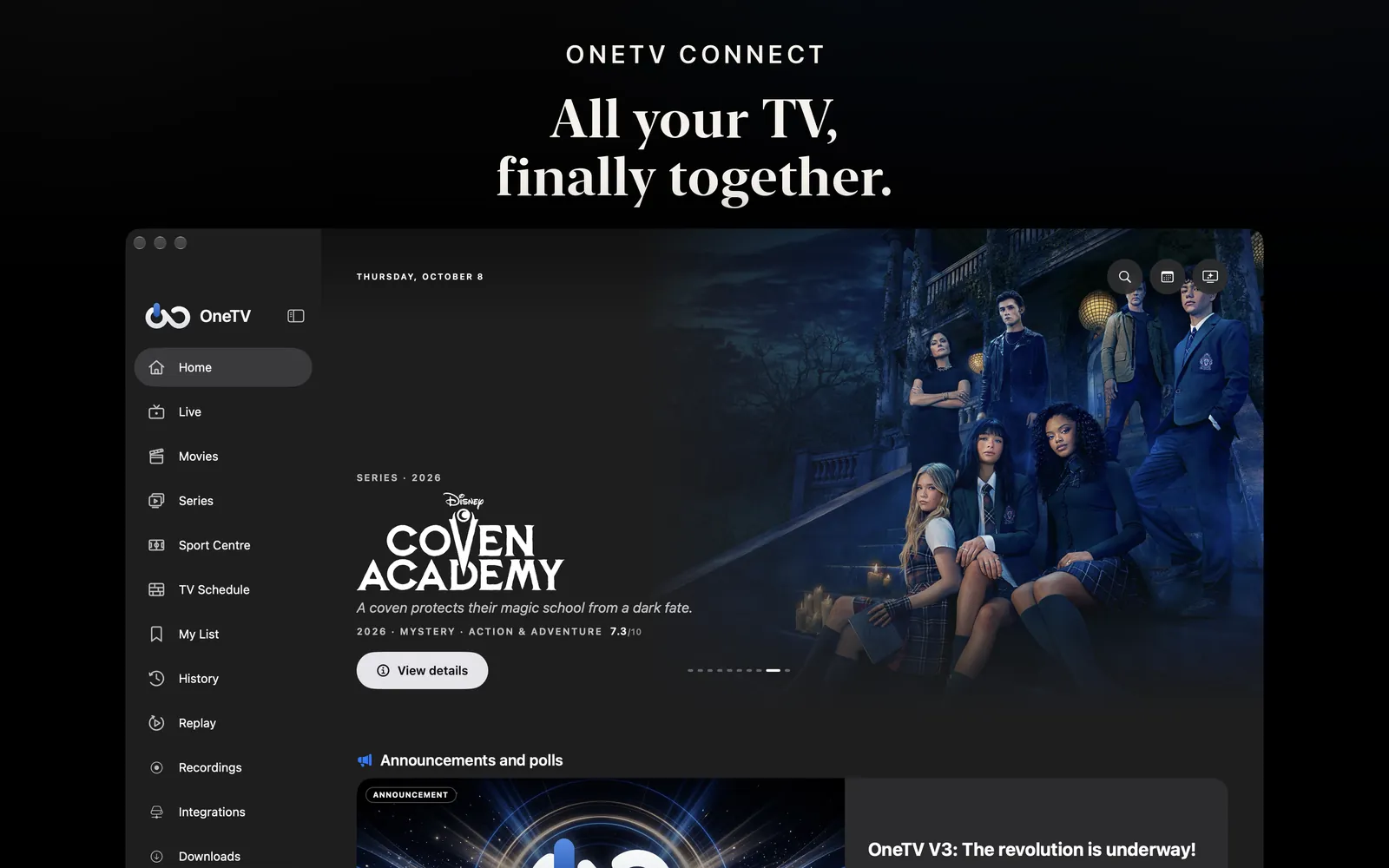
A real macOS app, built for the Mac: sidebar, toolbar, menus and keyboard shortcuts. Your channels, the seven-day guide, your movies and series, sport and replay, in the Première design.

Free download · In-app purchases · macOS 26 or later
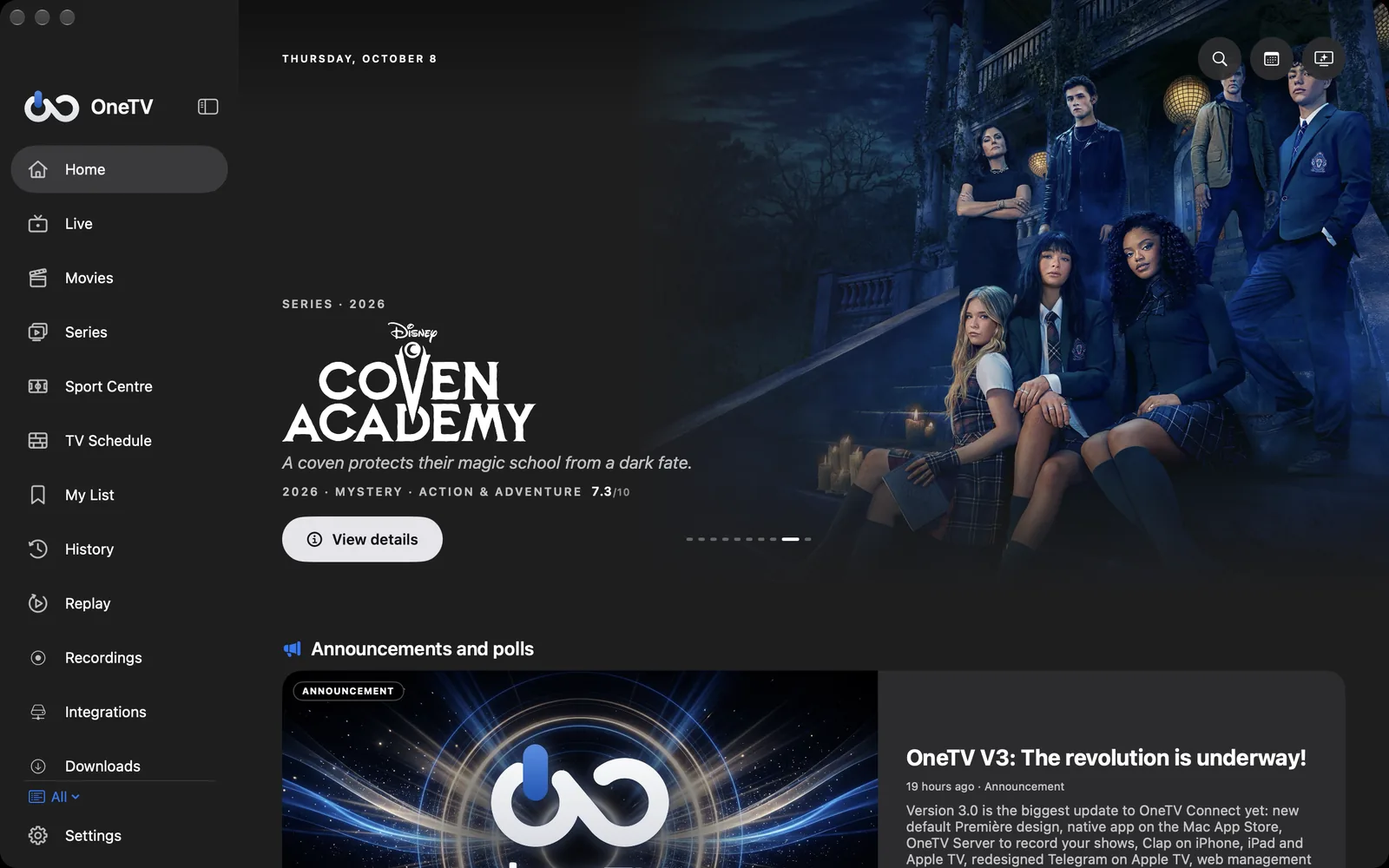
IN PICTURES
LIVE TV
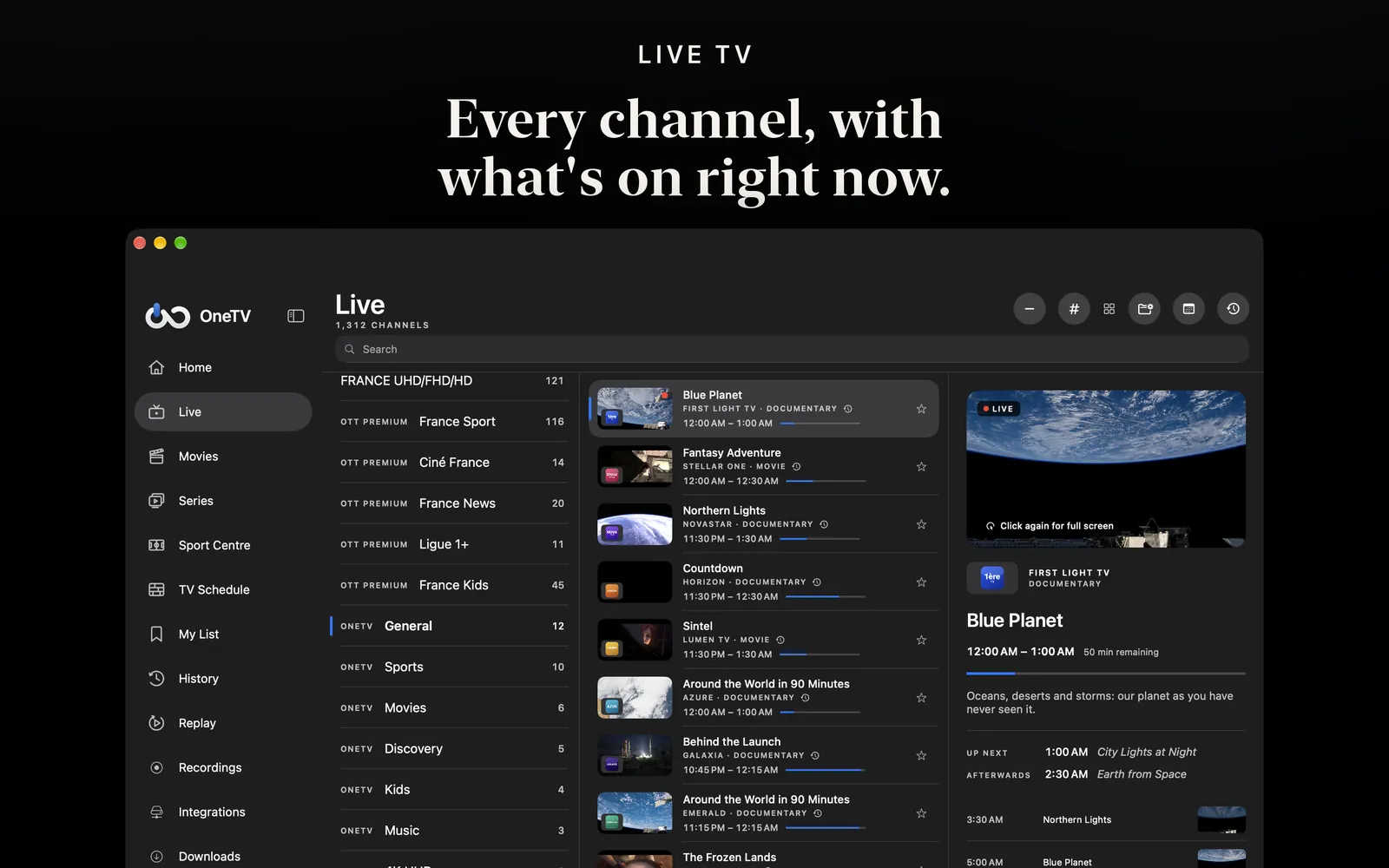
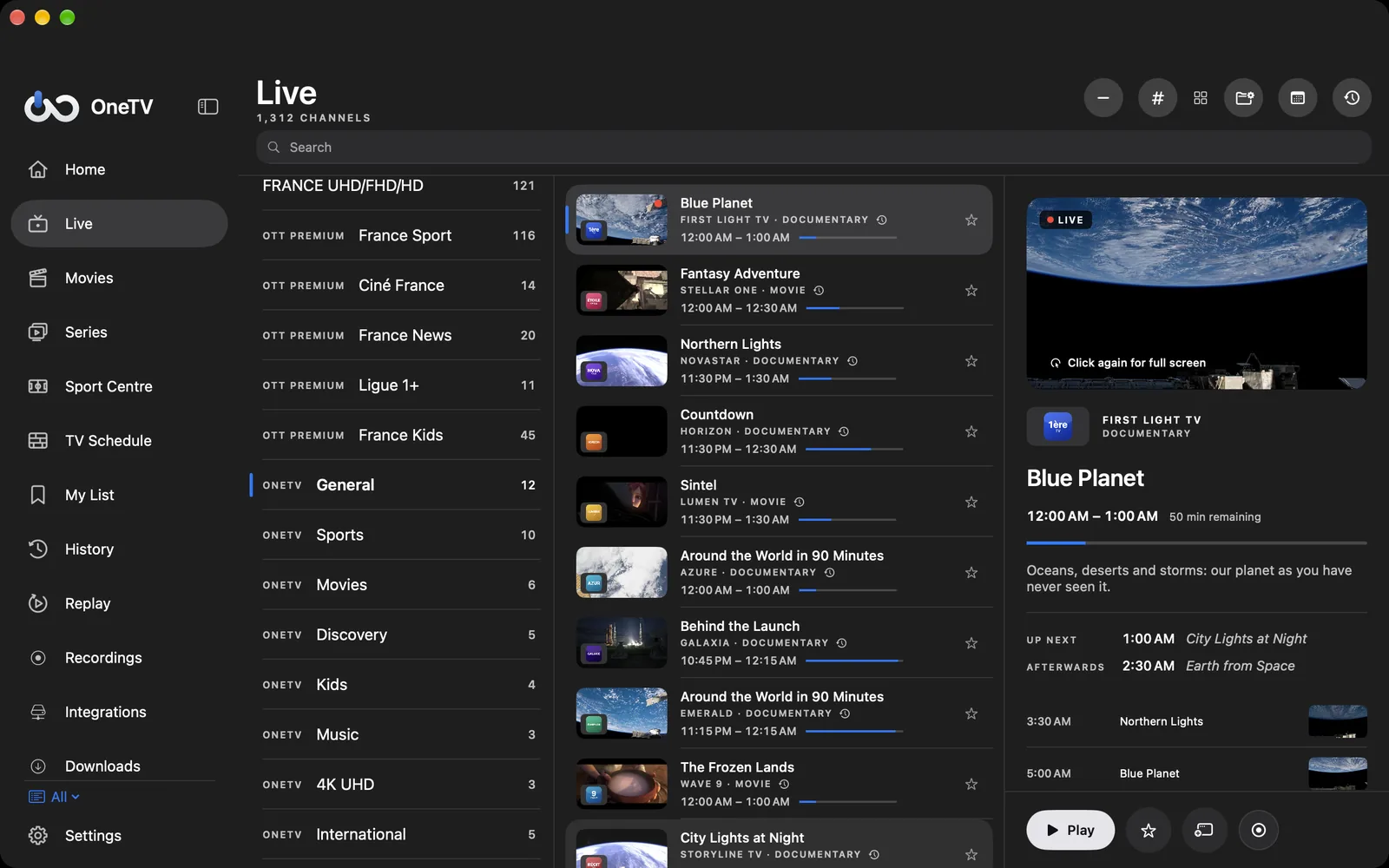
Categories on the left, channels with what’s on now in the middle, the picture already playing on the right. Click once to preview, click again to go full screen.
PLAYER
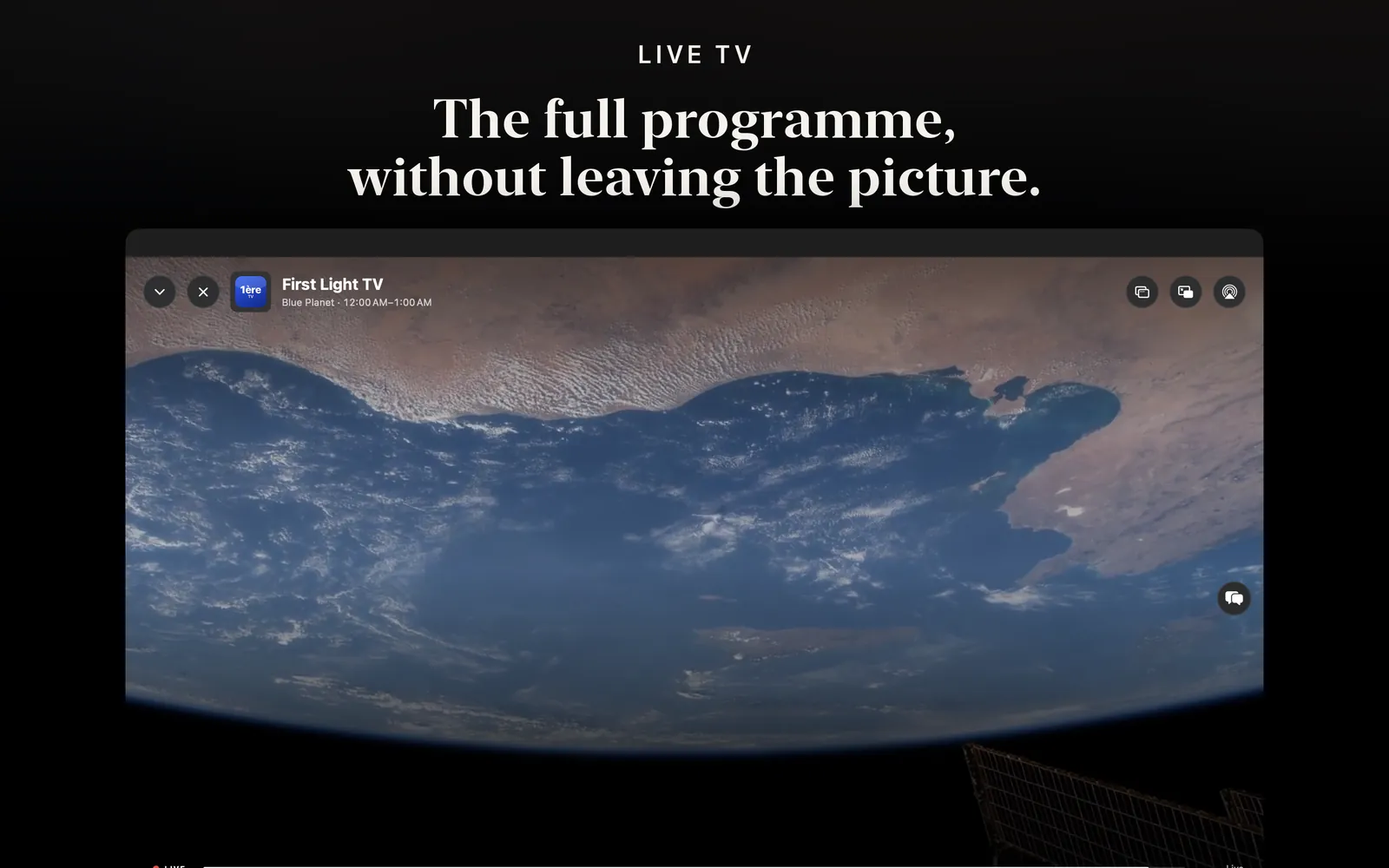
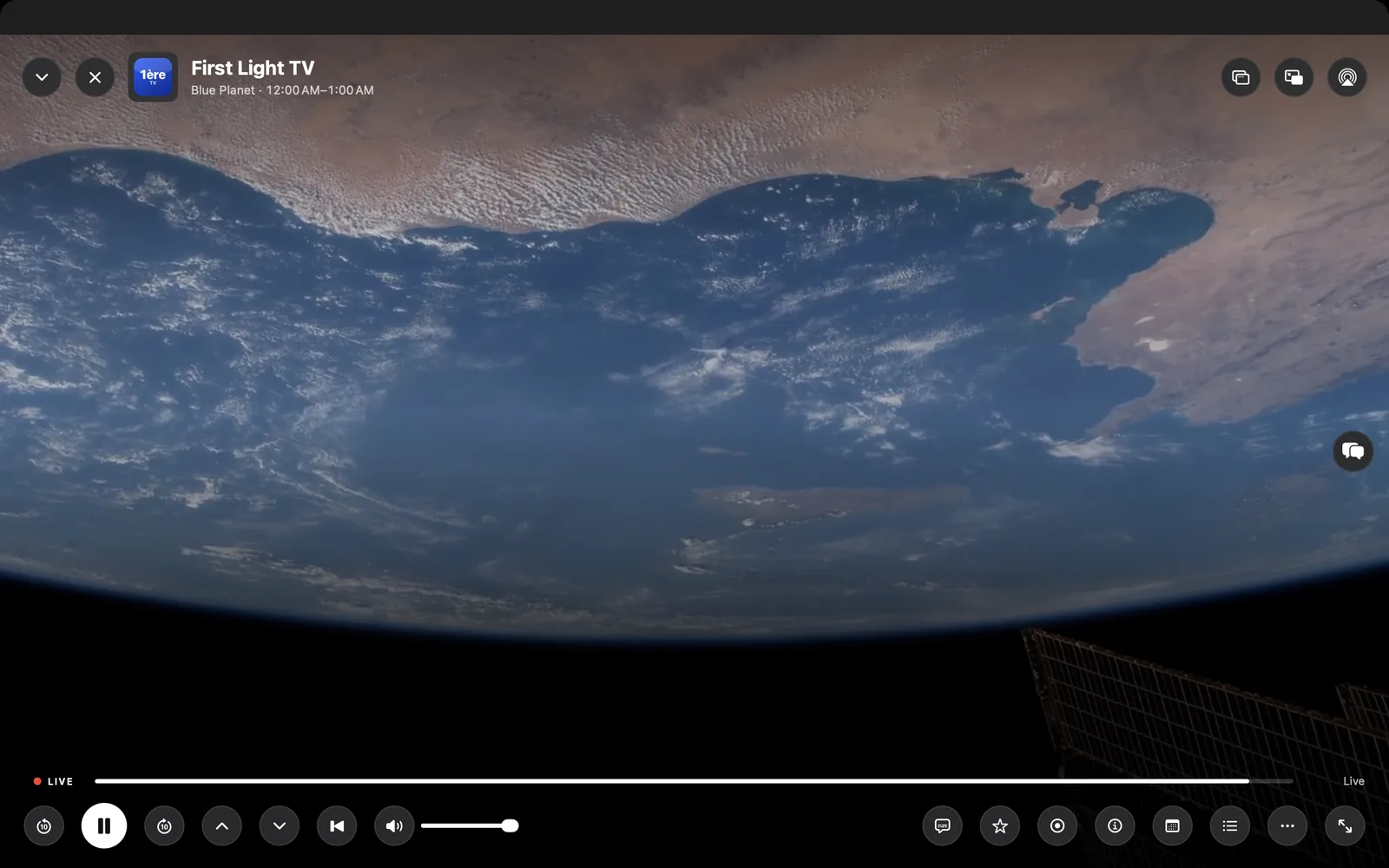
Detach the player into its own window, keep it in Picture in Picture while you work, or send it to AirPlay. OneTVPlayer, our own engine, plays up to 4K HDR with multichannel sound.
TV GUIDE
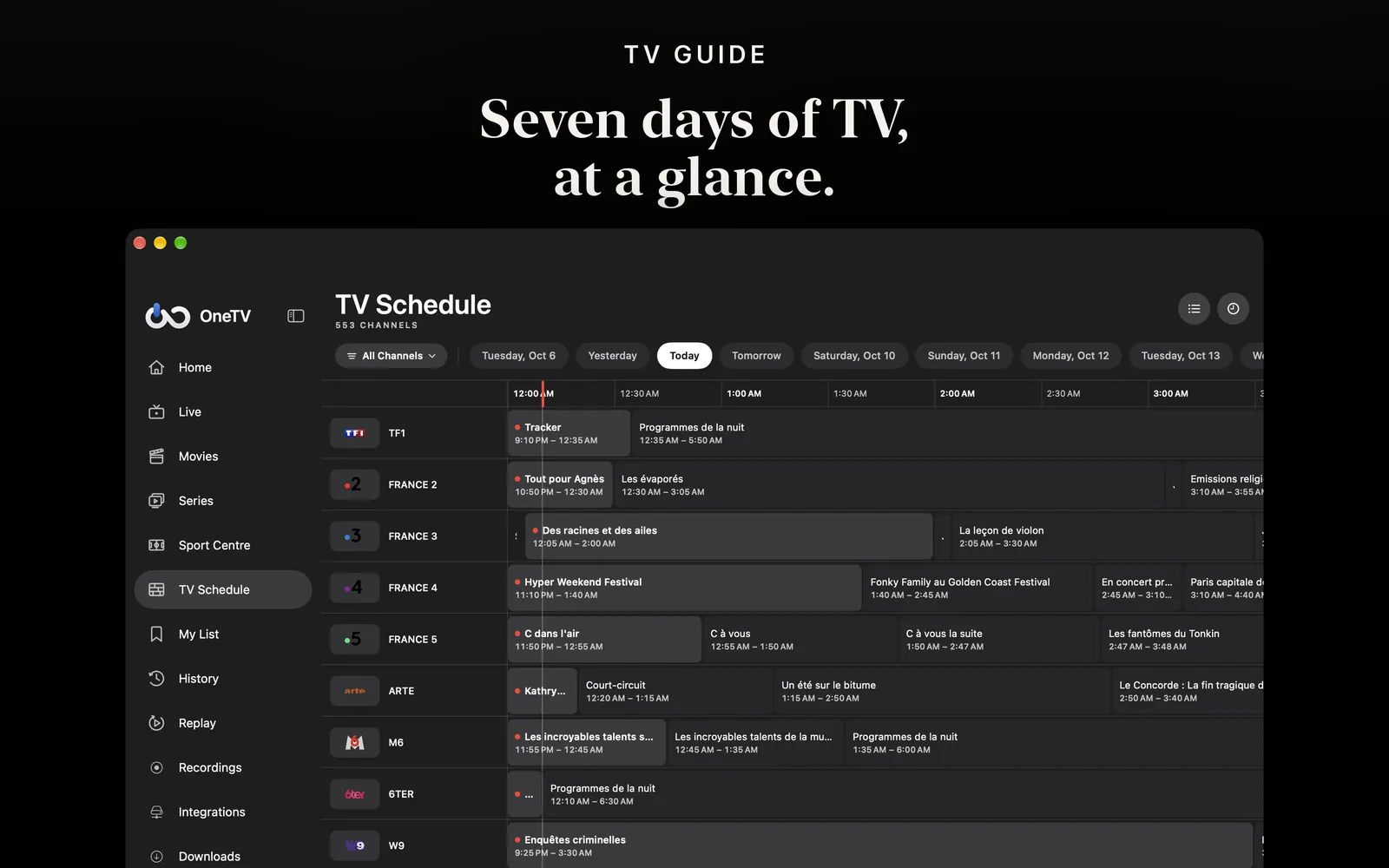
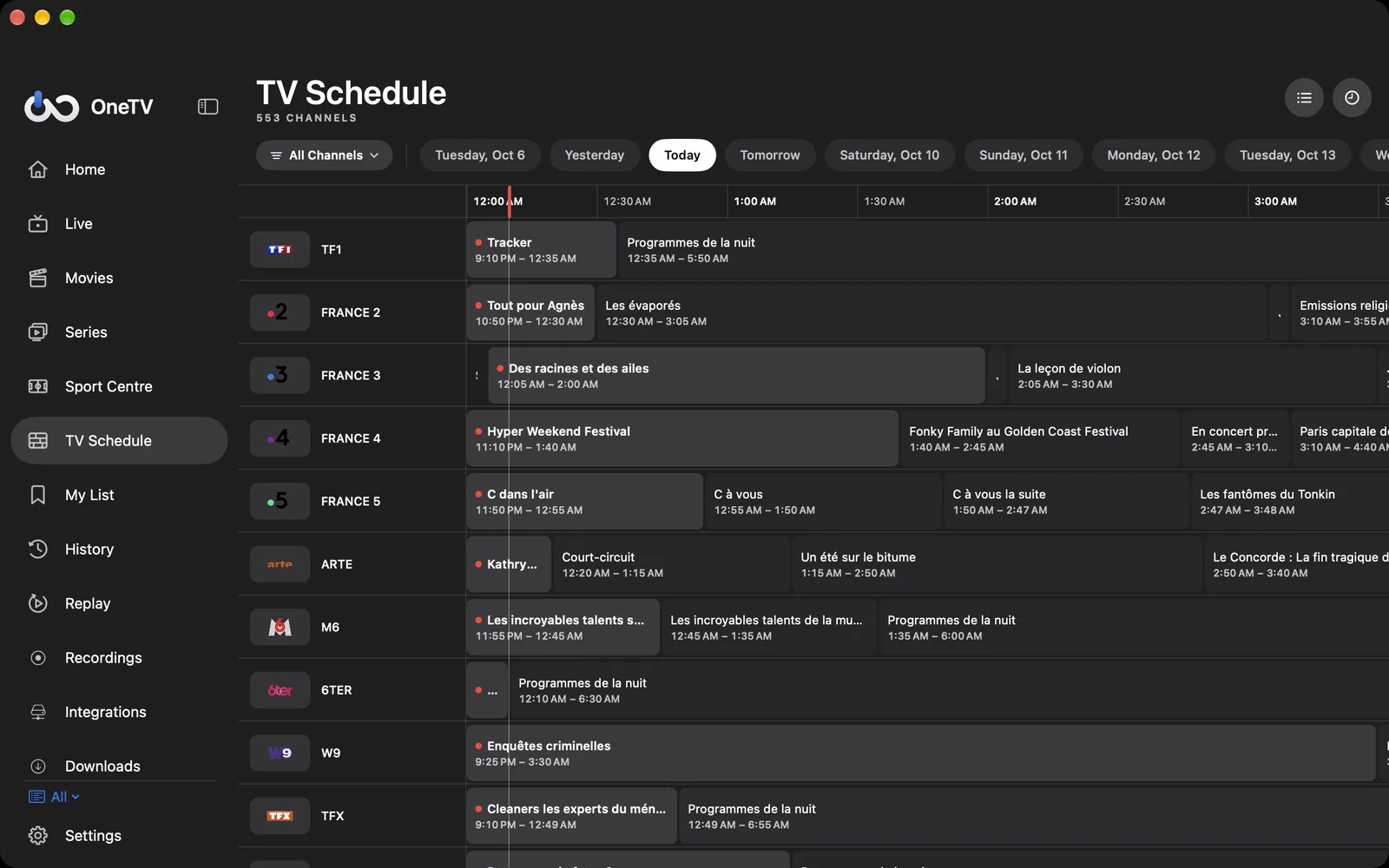
A full grid with the picture of every show, reminders, search and catch-up of past programmes when your provider offers it.
MOVIES AND SERIES
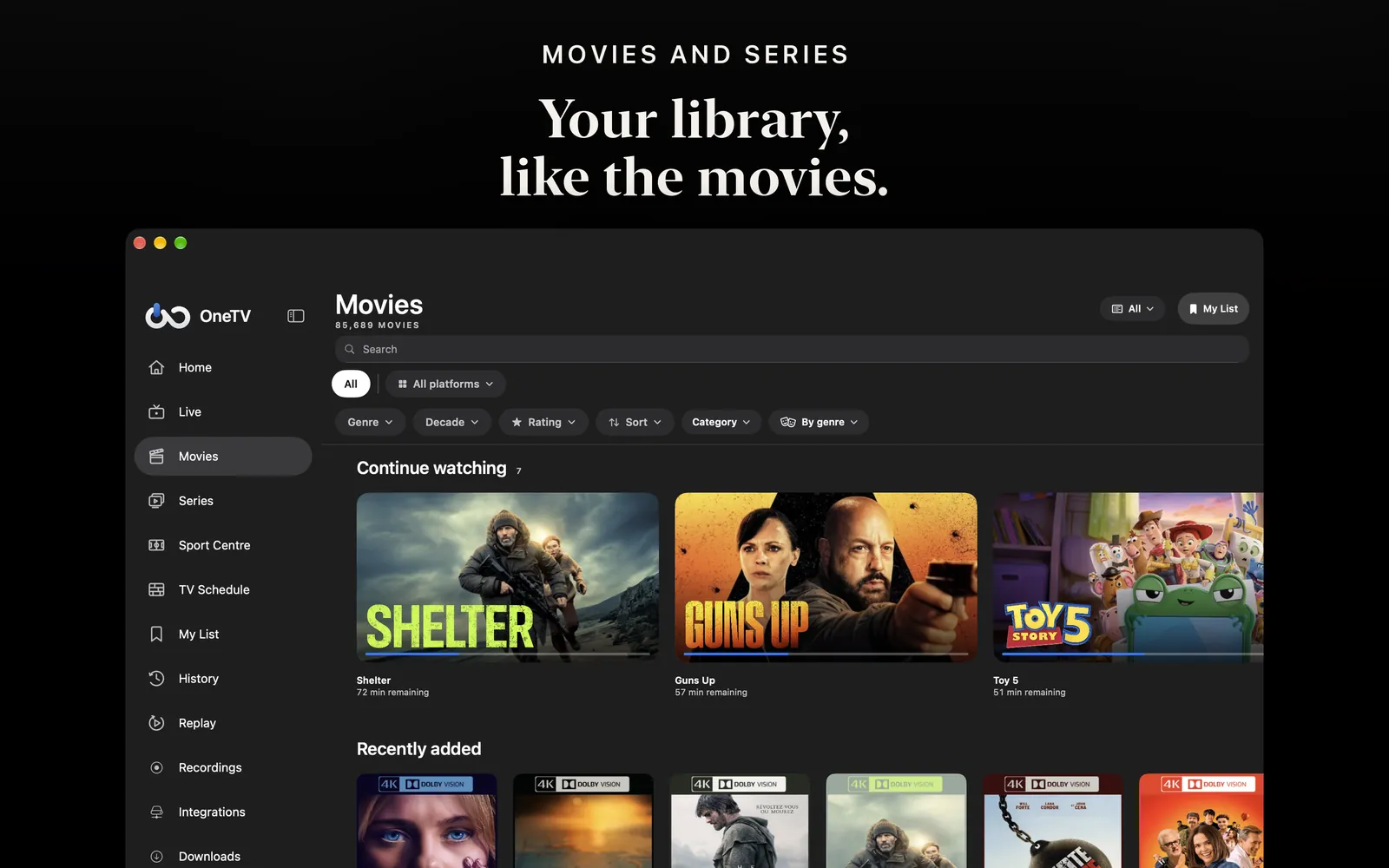
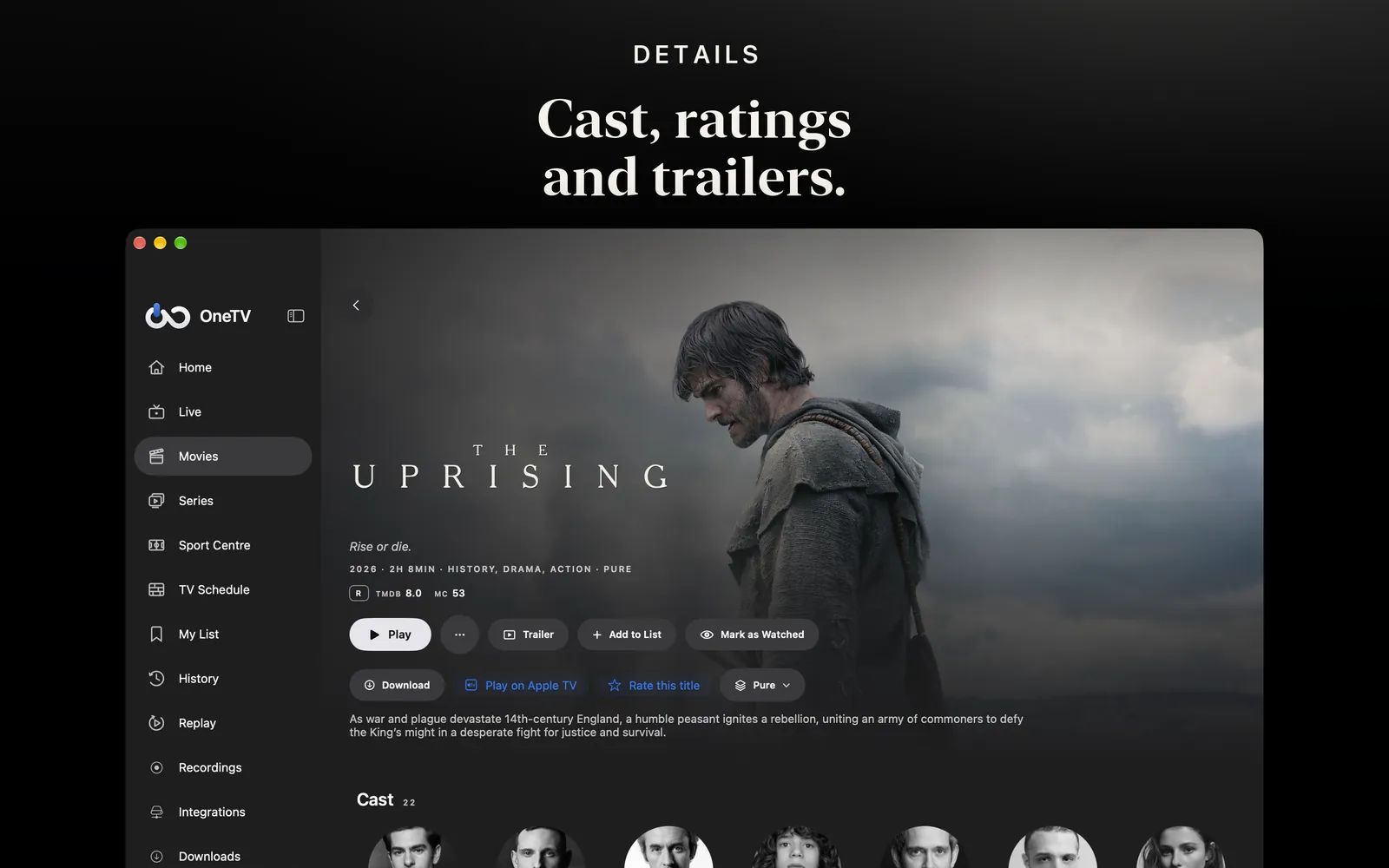
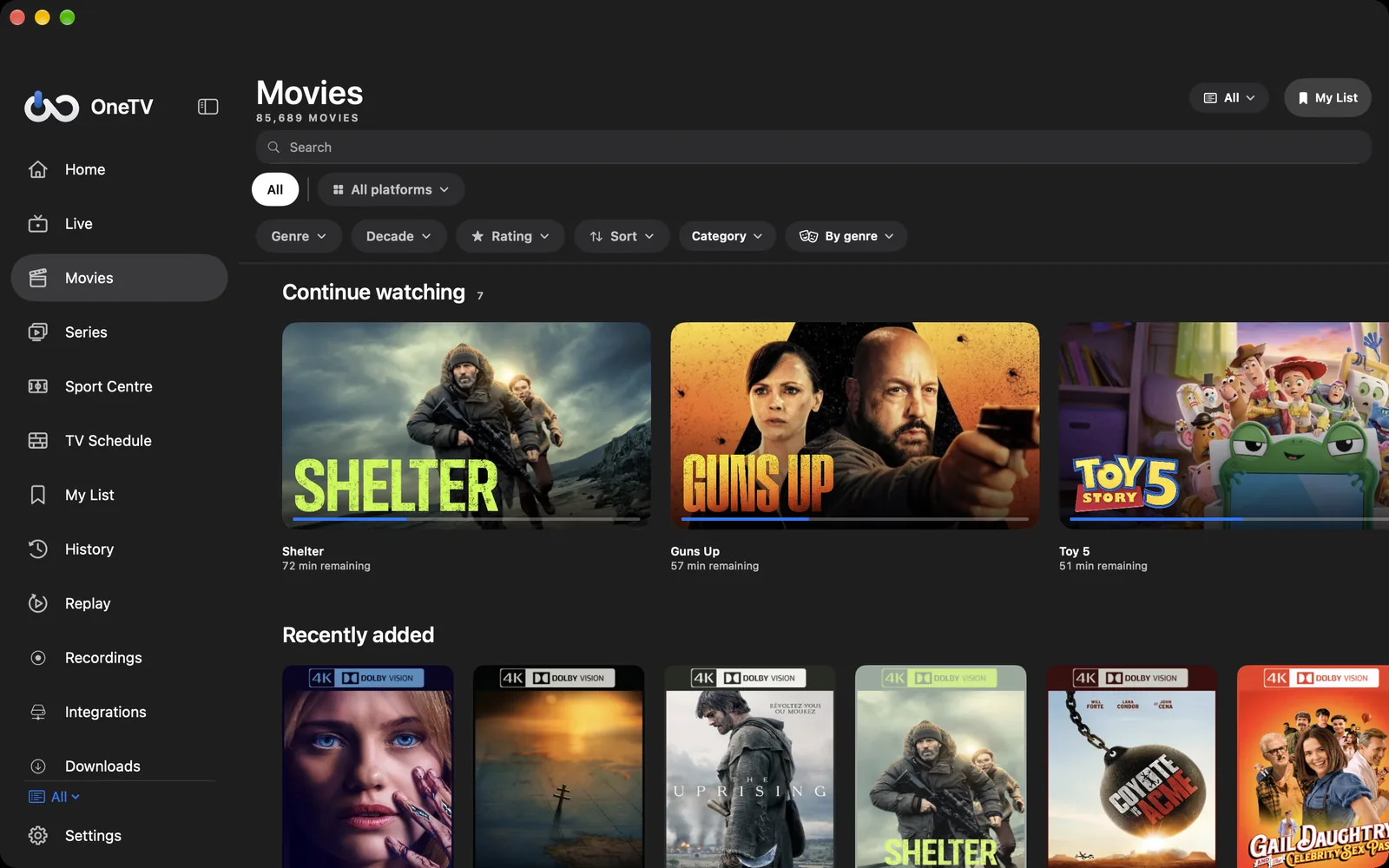
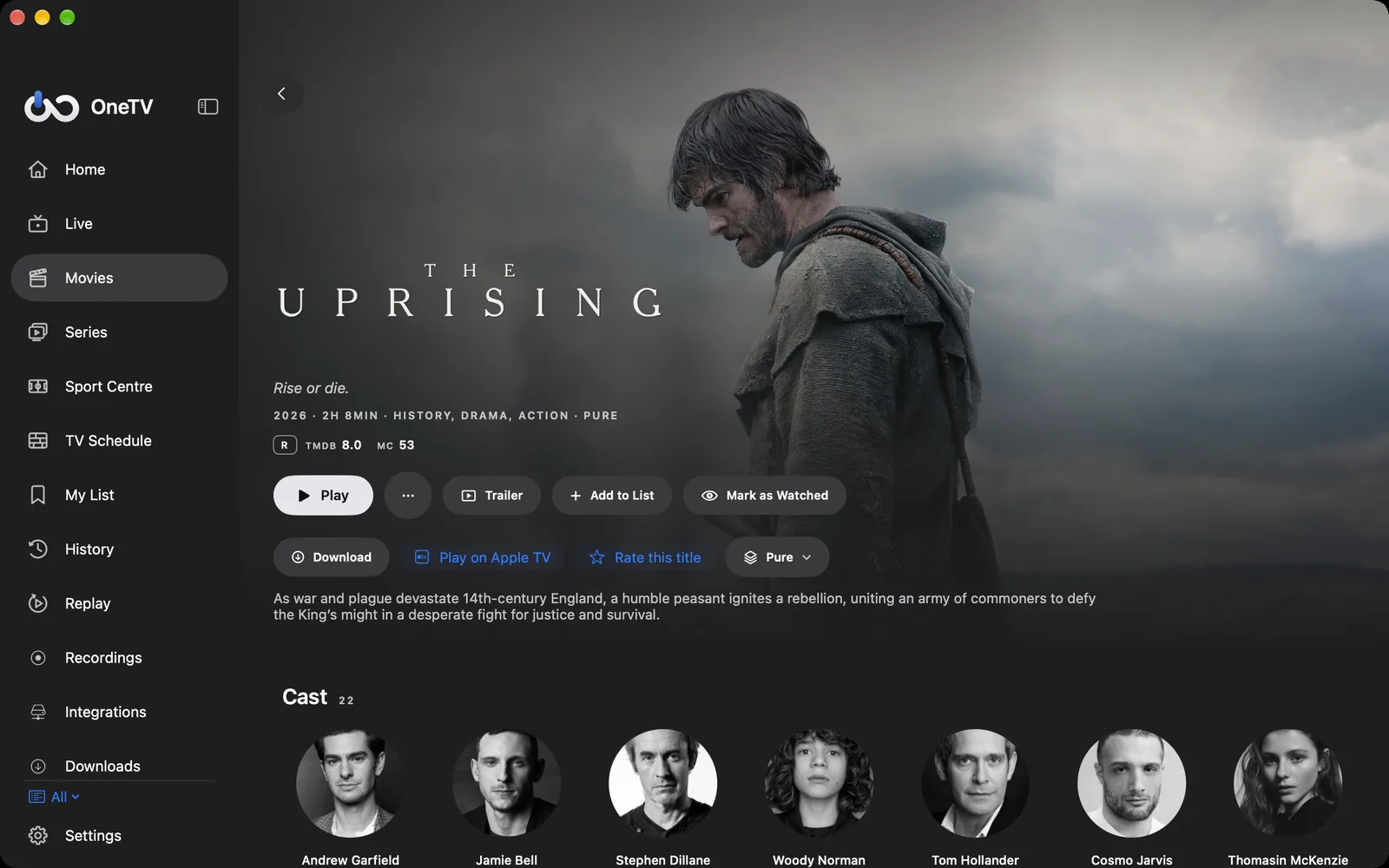
Posters, ratings, cast, trailers and resume playback for every film and series in your sources, Plex, Jellyfin and Emby included. Prefer another player? Open any title in Infuse, VLC or IINA.
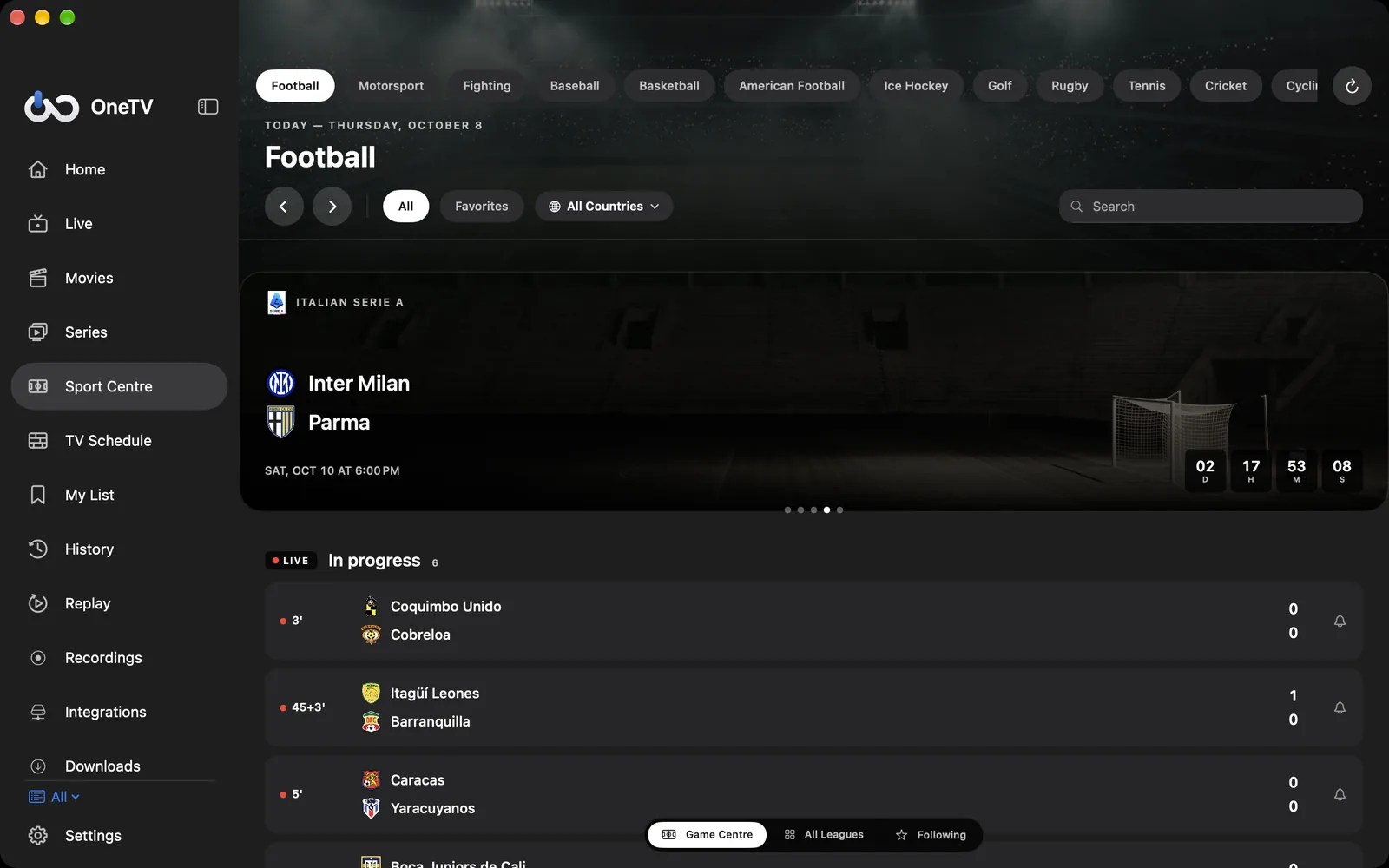
SPORT CENTER
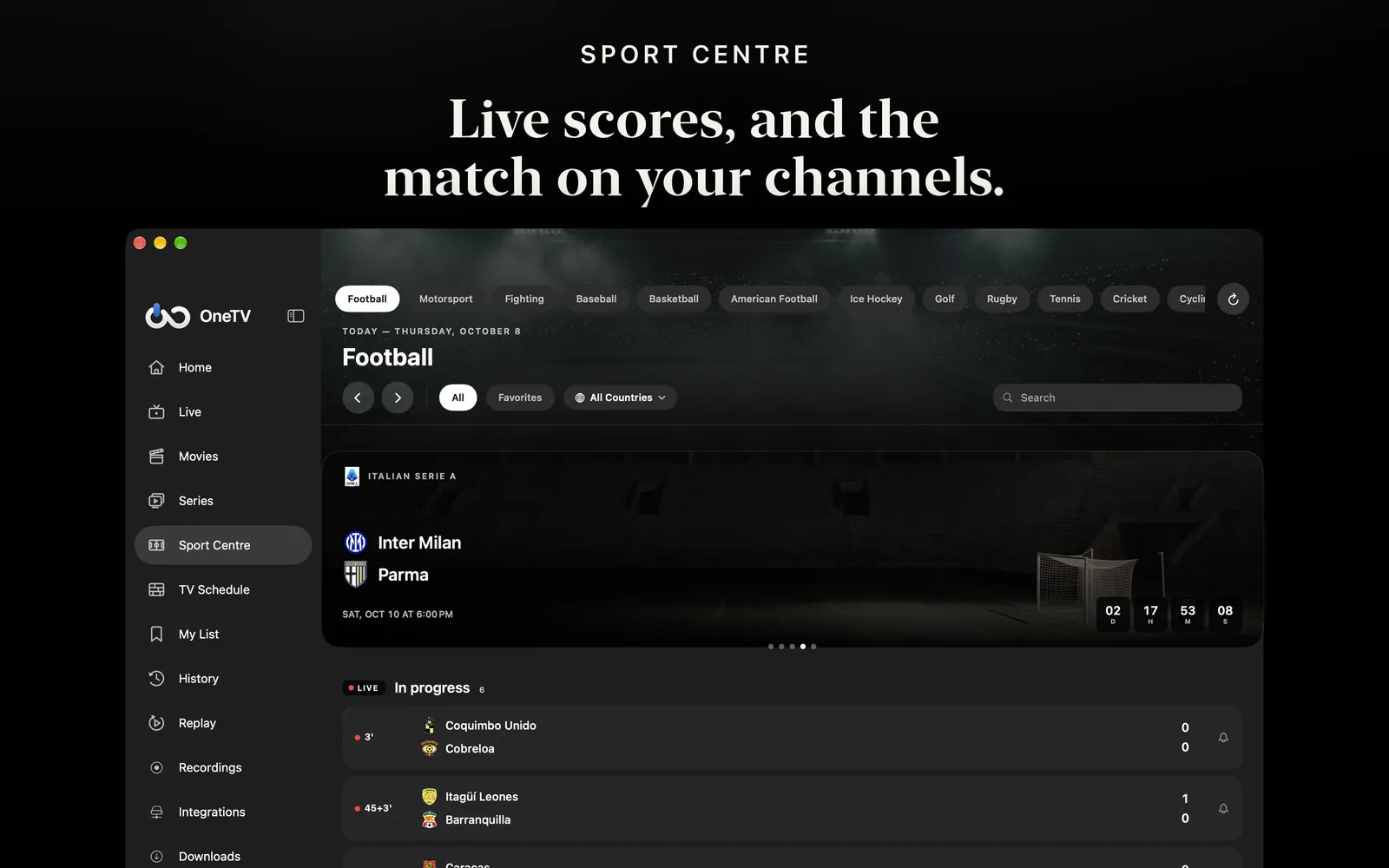
Fixtures, line-ups, standings and live scores, with the channels of your playlist that show the match.
MADE FOR THE MAC
Every screen has its menu commands and shortcuts, and a dedicated Settings window. The keyboard works as well as the mouse or trackpad.
Up to four channels at once in a single window, one with sound, perfect for following several matches.
Keep movies and episodes on your Mac and watch them offline, with the storage used shown in Settings.
M3U playlists, Xtream Codes, Stalker portals and XMLTV guides, plus Plex, Jellyfin, Emby, network shares (SMB, SFTP, FTP, WebDAV) and Google Drive.
Schedule recordings with OneTV Server on a computer or NAS at home, your Mac included, and watch them whenever you like.
The Première design, cinema black and editorial, or the more understated macOS theme.
ONE APP, EVERY SCREEN
Playlists, favourites, history and settings sync through your private iCloud. It is the same app on the App Store: your Pro subscription works on the Mac too.
OneTV Connect needs macOS 26 or later.
No. It is the same app on the App Store: if you already have OneTV Connect Pro, it also unlocks the Mac app.
Yes. Playlists, favourites, history and settings sync through your private iCloud.
No. OneTV Connect is a player. Add your own playlists or media servers and content you have access to.
OneTV Connect also runs on Apple TV, iPhone and iPad.
Free download · In-app purchases