
Nearly 50,000 stations.
With their logos, from every country. The streams are checked every night and replaced automatically, with no ad at start-up.
RADIO · PRO
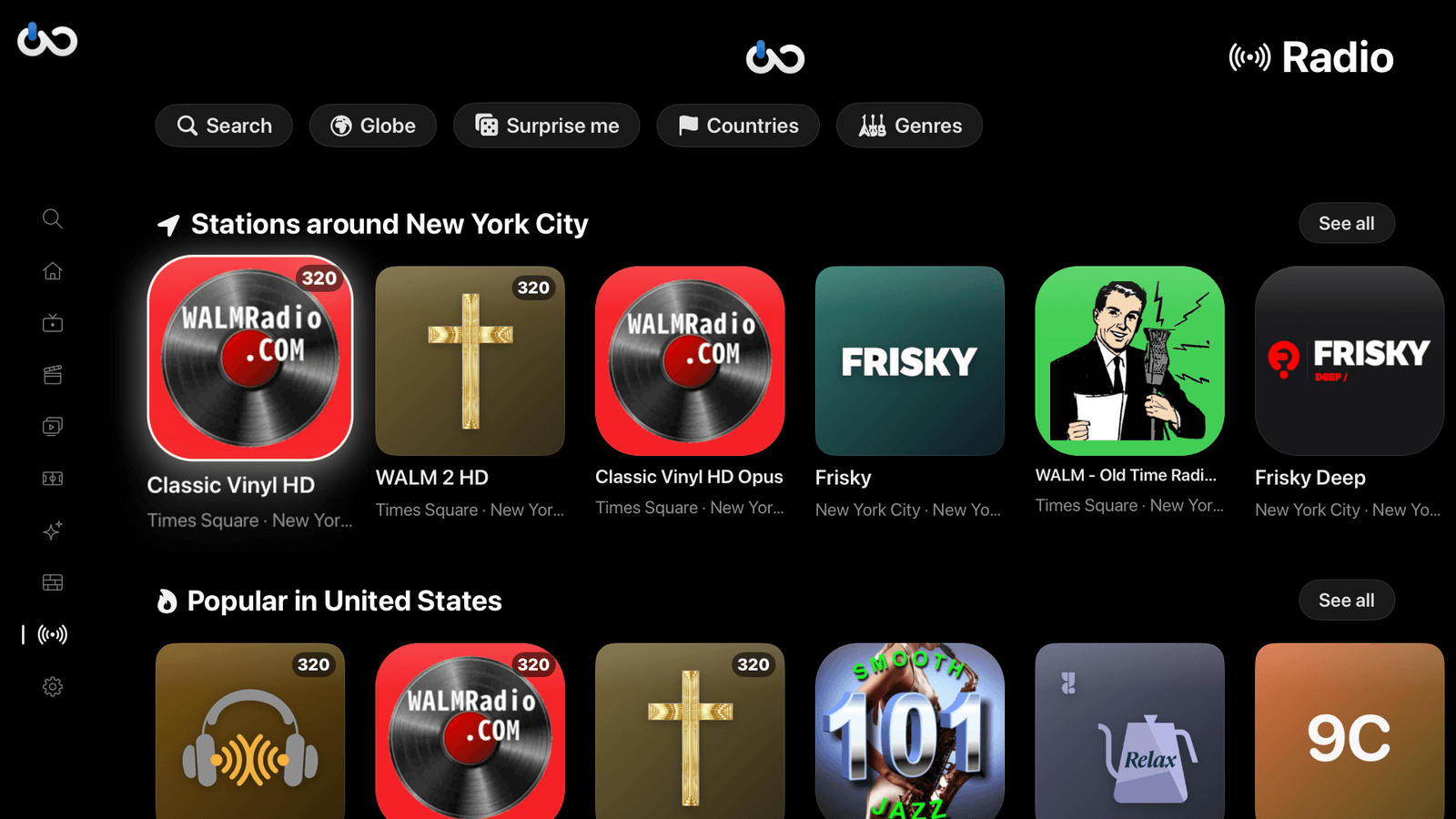
Nearly 50,000 stations from around the world in the same app as your channels: near you, popular in your country, by genre, or on a 3D globe. A full-screen player in the colours of the artwork, Shazam without a microphone, a sleep timer and a radio alarm.

Radio is part of OneTV Pro · Streams are checked every night and replaced automatically, with no ad at start-up
GETTING STARTED
In Settings › Sources, add “World Radios”. It then shows on all your devices through iCloud: in the sidebar on Apple TV, Mac and Apple Vision Pro, and in Live on iPhone and iPad. The stations you save can be sorted under your own dividers.
DISCOVER
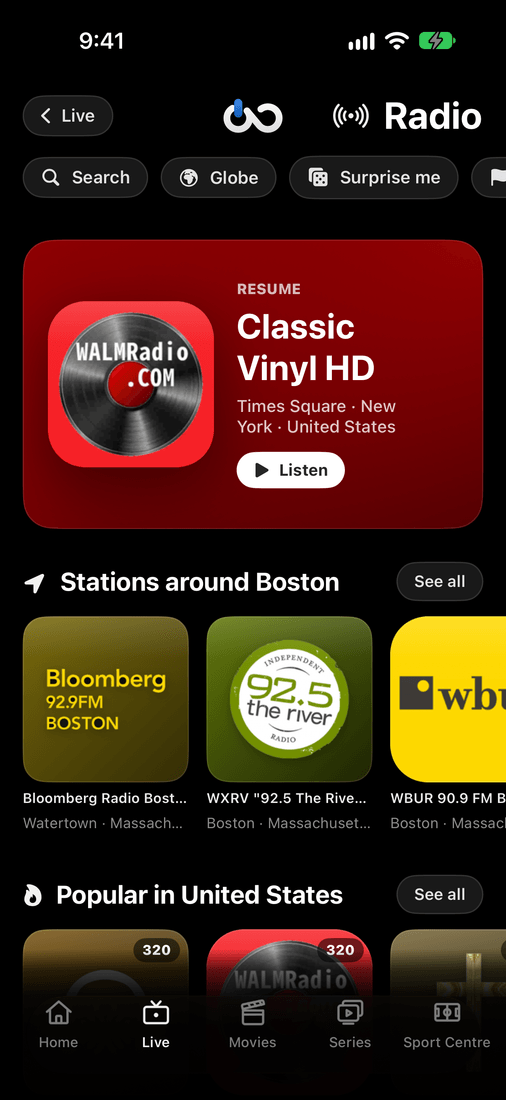
Open the Globe: each bright dot of the 3D globe is a city with its stations. Not sure what to play? “Surprise me” takes you to a station you did not pick.

THE PLAYER
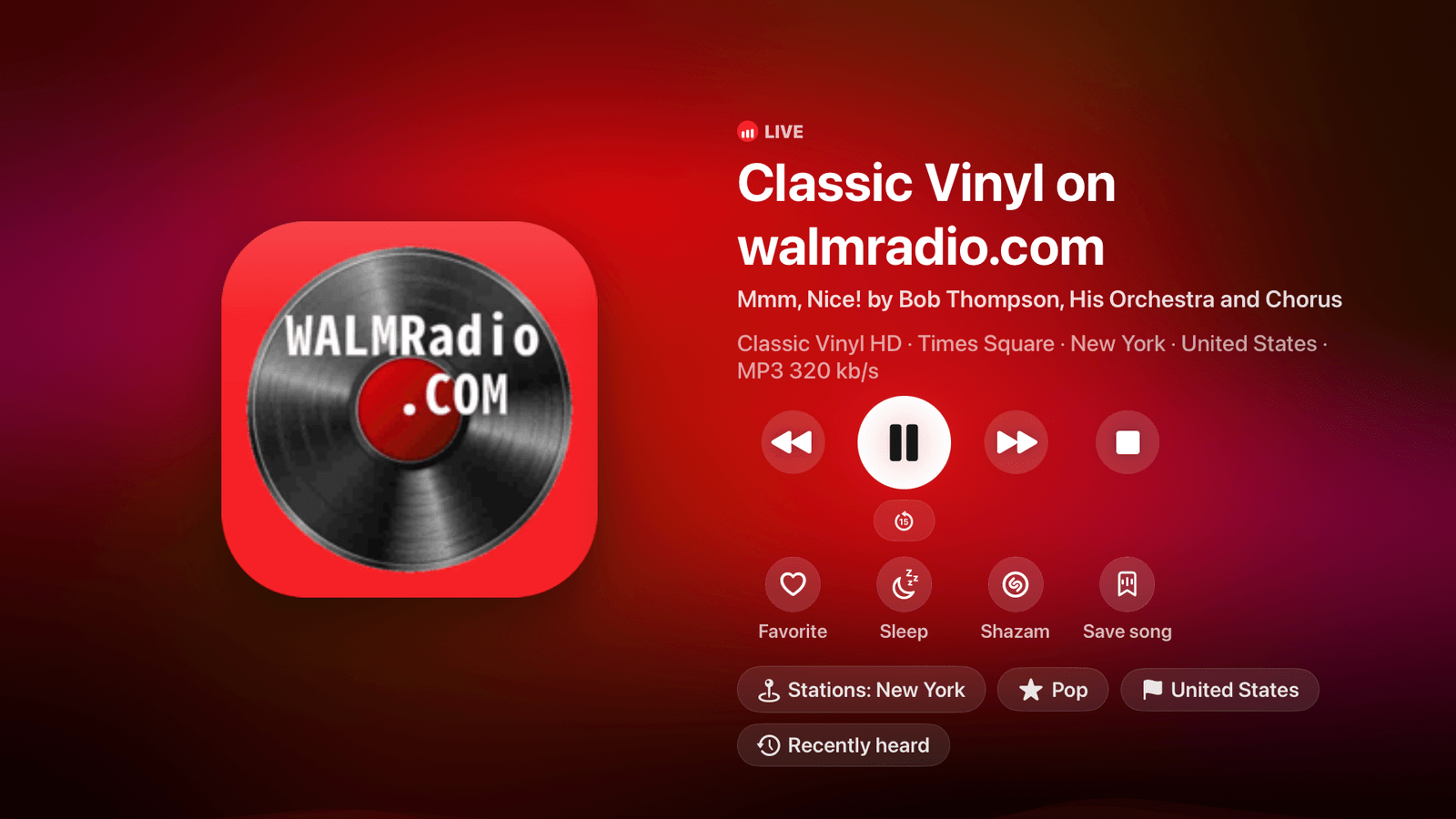
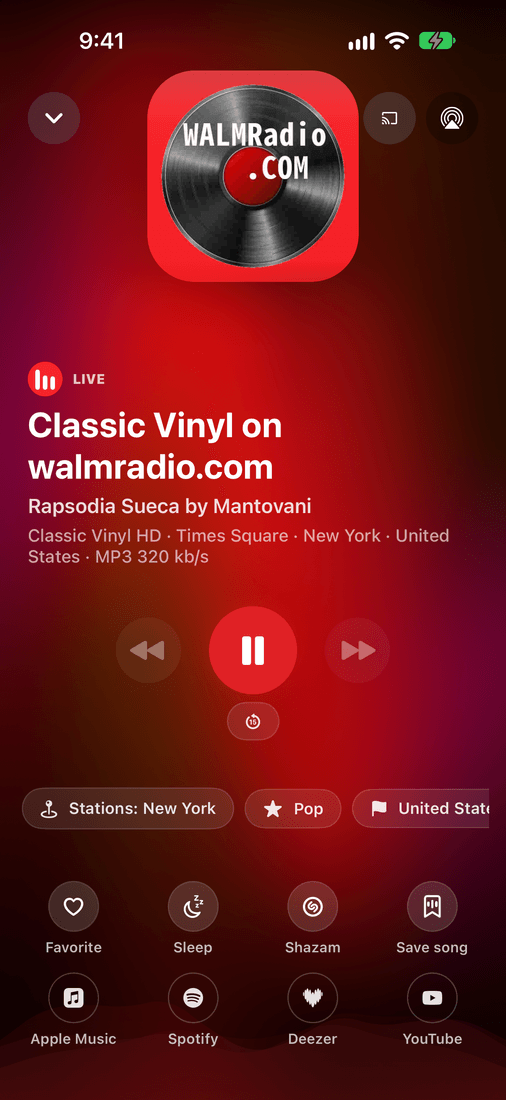
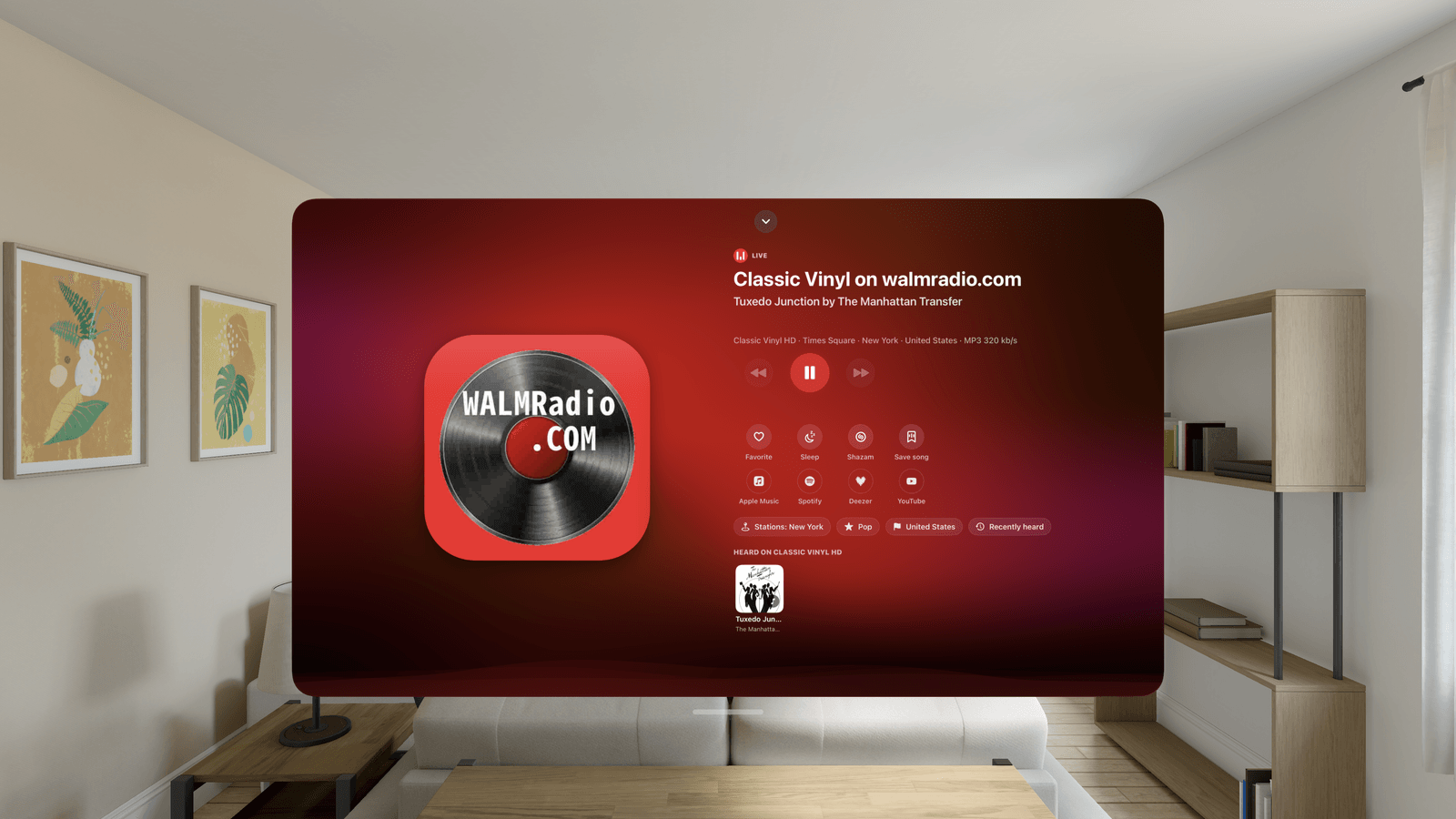
The full-screen player shows the song title and artist, the artwork large, an animated background in its colours and a visualizer that follows the music. Set a sleep timer, or wake up to a station with the radio alarm.
SHAZAM
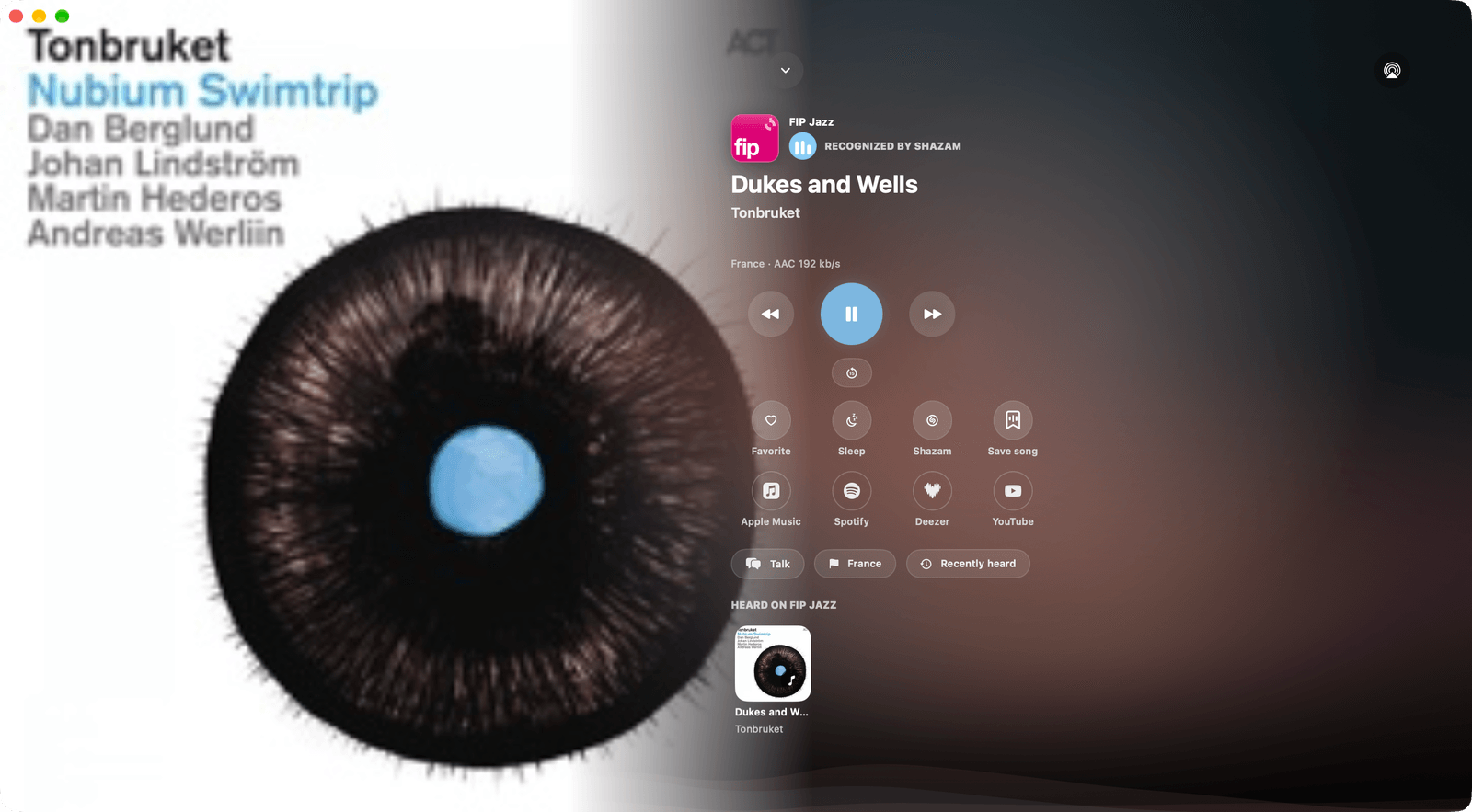
When a station does not announce its songs, Shazam recognises the song from the player’s own sound. Save it, or find it again in Apple Music, Spotify, Deezer or YouTube.
IPHONE, IPAD, MAC
A mini player stays at the bottom of the screen while you move around the app. On iPhone and iPad the radio keeps playing with the screen locked, with its controls and artwork on the Lock Screen, and can be sent over AirPlay or Chromecast.
CARPLAY
On compatible vehicles, OneTV shows up in CarPlay from your iPhone. Your channels appear in the same order as in the app, with your favourites and their folders, a sort of your choice (Default, number, A-Z, Z-A, favourites first) and a real pause. CarPlay never shows video: it is for listening only.
CARPLAY · RADIO
The Radio tab, part of OneTV Pro, offers Near me, Favorites, Popular, Countries and Genres. Listening to your channels in CarPlay does not need Pro.
SHAZAM IN LIVE TV
In the Live player, tap the Shazam icon to find out which song is playing on the channel. OneTV listens to the player’s own sound: no microphone, and it works with headphones. It is free, with the OneTVPlayer and KSPlayer players.
APPLE TV AND VISION PRO

GOOD TO KNOW
With their logos, from every country. The streams are checked every night and replaced automatically, with no ad at start-up.
Add “World Radios” once in Settings › Sources: it follows you to Apple TV, iPhone, iPad, Mac and Apple Vision Pro through iCloud.
The songs you heard are kept in one list, with a link to Apple Music, so a good find is never lost.
Fall asleep to a station, and wake up to another.
Leave the player or the app and the radio keeps playing, like a music app. A Now Playing card stays on screen.
Radio needs OneTV Pro. Shazam in the Live player and your channels in CarPlay stay free.
QUESTIONS
Radio is part of OneTV Pro. Shazam in the Live player and listening to your own channels in CarPlay do not need Pro.
In Settings › Sources, add “World Radios”. It then appears on all your devices: in the sidebar on Apple TV, Mac and Apple Vision Pro, and in Live on iPhone and iPad.
No. CarPlay is for listening only: your channels as audio, and the Radio tab. It works on compatible vehicles, from your iPhone.
No. OneTV listens to the sound of its own player, so it works with headphones and in a noisy room. In the Live player it works with the OneTVPlayer and KSPlayer players.
Yes. You can go back to the menu or leave the app and the radio continues, with a Now Playing card; the Stop button, in 3.3, stops it in one click.
OneTV Connect runs on Apple TV, iPhone, iPad, Mac and Apple Vision Pro.
Free download · Radio is part of OneTV Pro