
Dolby Vision, true to the file.
Most 4K Dolby Vision films (profile 8) play as true Dolby Vision with their scene-by-scene metadata, instead of HDR10.
APPLE VISION PRO
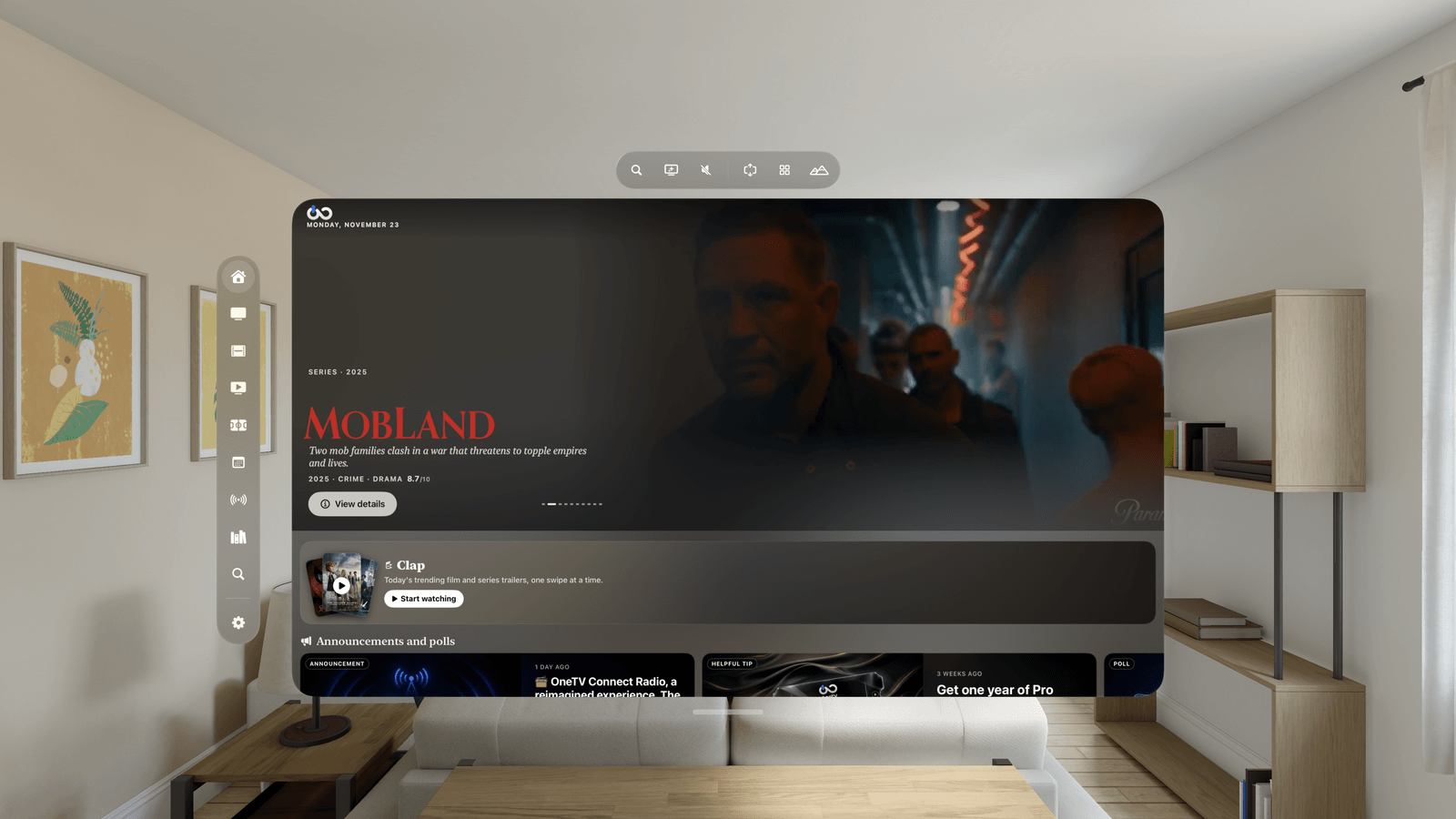
OneTV Connect has its own visionOS app, built for Apple Vision Pro, not the iPhone app running in compatibility mode. Your channels and the TV guide, your movies and series, Radio and Sport Center, from the playlists and servers you already have.

Free download · In-app purchases · Your Pro subscription works here too
LIVE TV AND GUIDE
Browse your live channels from your own M3U, Xtream Codes or Stalker playlists, with the TV guide alongside. Change channel from the player list, and keep watching in the player you prefer.
MOVIES AND SERIES
Posters, details and trailers for the movies and series in your sources. Trailers start almost at once, behind a title sequence in the style of film credits.
RADIO · PRO
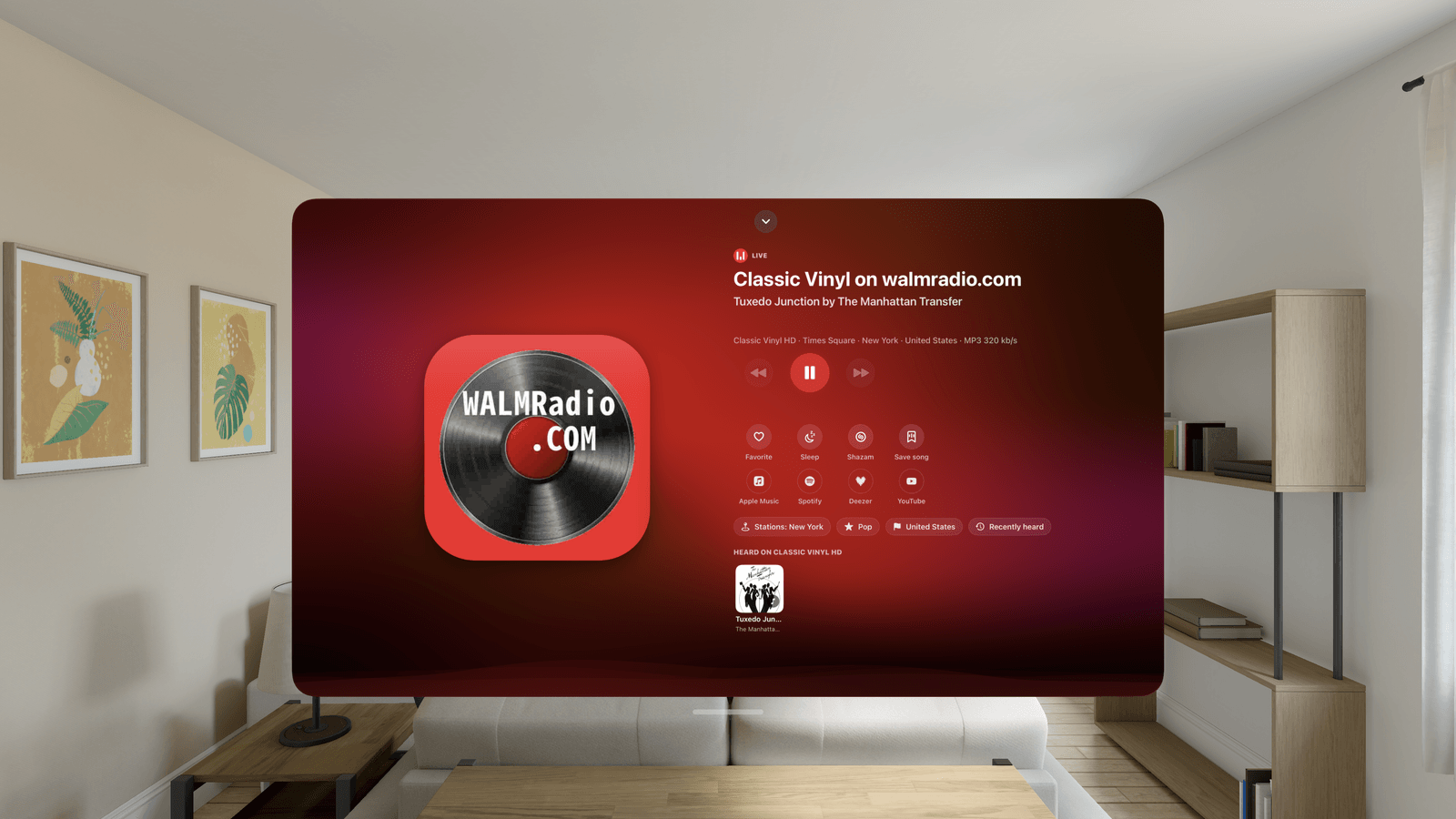
Add “World Radios” in Settings › Sources, and the Radio section appears in the sidebar. The full-screen player shows the artwork large, in its colours, and Shazam recognises songs without a microphone.
SPORT CENTER
Sport Center is free as soon as you add a playlist: today’s matches, scores, schedules and match pages. Advanced features stay part of OneTV Pro.
MADE FOR THE HEADSET
Most 4K Dolby Vision films (profile 8) play as true Dolby Vision with their scene-by-scene metadata, instead of HDR10.
In OneTV Pro, AetherEngine joins MPV, VLC, KSPlayer and OneTVPlayer, which stays the default. It keeps Apple’s Dolby Vision, HDR and Dolby Atmos.
Create your OneTV account, reset your password, and sign in to the services you connect: the pages open inside the app, not in Safari.
Night mode, clearer dialogue and even volume, set separately on each device, with OneTVPlayer and AetherEngine.
Playlists, favourites, history and settings sync through your private iCloud, from Apple TV to Apple Vision Pro.
Text follows the size you chose in the device settings, on top of the app’s own setting.
GOOD TO KNOW
No. OneTV Connect has a native visionOS app, built for Apple Vision Pro.
No. Your OneTV Pro subscription is shared by your Apple devices, Apple Vision Pro included.
Yes. Playlists, favourites, history and settings sync through your private iCloud.
No. OneTV Connect is a player. Add your own playlists or media servers and content you have access to.
OneTV Connect runs on Apple TV, iPhone, iPad, Mac and Apple Vision Pro.
Free download · In-app purchases